A QR code that never needs reprinting
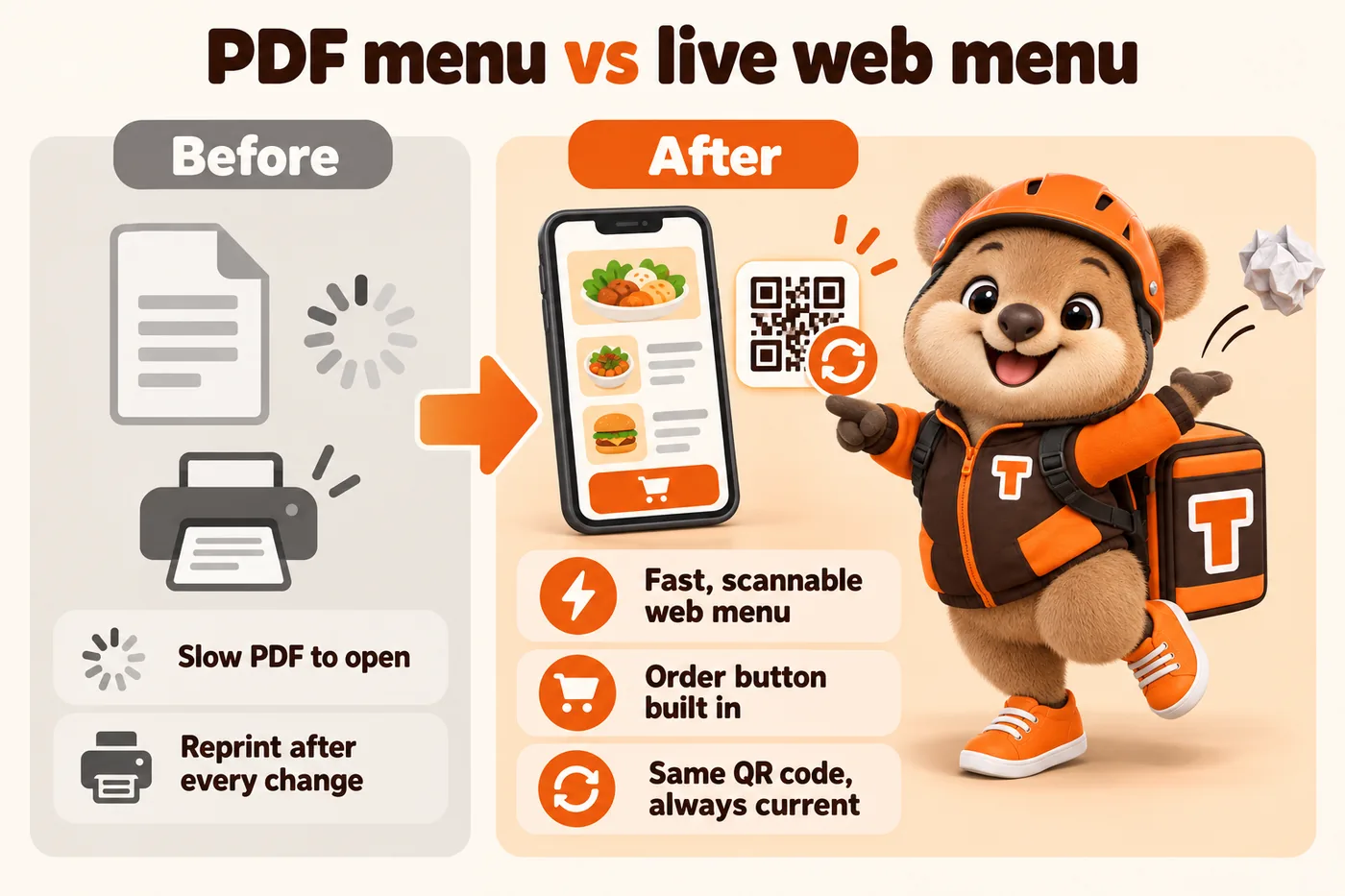
Points at a live page, not a specific file, so it survives every menu update.
A digital menu built as real web pages loads faster and updates easier than a PDF behind a QR code, because a PDF has to be re-exported and re-uploaded every time a single price changes.
What it costs
Who this is for
This page is for a kitchen whose menu still lives as a PDF behind a QR code, or as a photograph of a laminated card. The QR sticker on the table or the counter is doing real work, and it currently leads somewhere that pinches, zooms and loads slowly on the one device everybody is holding.
The signs
A QR code that opens a PDF forces a customer to pinch and zoom on a document that was designed for print, and it means every price change requires re-exporting and re-uploading a whole new file. A digital menu built as real web pages loads instantly, is readable at any screen size, and updates as a normal revision.
The QR code itself never needs to change once it is printed, because it points at a page on your own site rather than a specific file. When the menu updates, the same code automatically shows the new version, so table tents and window stickers do not need reprinting every time a price moves.
Because the menu is a real page rather than a static document, it can carry a direct order button, dietary or allergen labeling you choose to display, and photos, all in one place rather than a document plus a separate ordering link.
What is included
All of it inside the monthly plan. Nothing below is quoted separately or billed by the hour.
Points at a live page, not a specific file, so it survives every menu update.
Fast-loading pages instead of a PDF designed for print.
One page carries both the menu and the path to order.
Displayed exactly as you specify; we do not add advice of our own.
A price or item change is turned around within the plan's standard timeframe.
What is not included
If one of these is the thing you actually need, say so on the call. We would rather point you somewhere else than sell you a plan that does not fit.
What drives the work
You pay the plan price whatever your kitchen looks like. These are the things that decide how much of the first two weeks we spend on structure, and they are worth thinking about before the onboarding call.
Plans start at $117 a month with a $647 one-time build fee invoiced only after launch. See all three plans.
How the work is done
About fifteen minutes of form, then a call where we fill the gaps and agree the launch date. The launch clock starts at the call, not at purchase.
Menu sections, modifiers, zones, locations and the ordering path are agreed first, because that is what the design has to serve.
Every page custom coded and checked against the 90+ PageSpeed target on mobile and desktop. You see it and say what is wrong before anyone else does.
Live in 7 days on Order Starter. After that: articles, revisions and technical checks every week, and the build fee invoiced only once you have approved the site.
From a kitchen like yours
The guided contact options looked like a small feature; they changed the inbox. The sender picks the route, which means the best-informed person does the sorting. Visitors get a simpler page and we get a clearer inbox.
Inquiry categories and guided navigation for takeaway ordering
Plans
Order Engine
Everything, plus the AI Engine
Full Kitchen
Everything, plus the Content Engine
Guarantees
Every line below is in the terms and conditions, not just on this page. If a claim only exists in marketing copy, it is not a guarantee.
We guarantee a Google PageSpeed score of 90+ on mobile and desktop for pages we build and host. If a page falls below it because of our work, we fix it at no charge.
The terms commit to your site starting to rank for local searches in your area within 3 to 5 months of launch. If it has not, we continue the search work at no additional charge until it does.
The $647 one-time build fee is not taken at signup. It is invoiced once your site is live and you have said you are happy with it, which is why it is not refundable afterwards.
5 revisions a month are included and a revision has no size limit. After the fifth, each is a flat $20. Everything is completed within 2 to 5 working days.
Your domain is registered in your name, and if you leave you tell us where to send it and we transfer it at no charge. On cancellation we provide an export of your content and articles within 14 days.
By email, before your next invoice date. No lock-in period, no exit fee, no clause that keeps billing you for a site you asked us to stop.
The limits are stated too: neither guarantee covers changes you or a third party make, content published against our advice, or rankings for terms outside your area. Neither entitles you to a refund. The remedy is the corrective work, done at our cost.
Be fair about it
There are cheaper ways to have a website and better ways to spend money than on us, depending on your kitchen. We wrote ten comparisons that say so out loud, including the cases where you should stay exactly where you are.
Every page names what the other option is genuinely better at, and how the two can work together.
No. The QR code points at a live page on your site, so any menu update shows automatically without reprinting a single sticker or table tent.
Yes, if you provide the labeling. We display exactly what you specify; we are a website company, not a food safety authority, so we do not add allergen advice ourselves.
Yes. It is a normal web page that opens in any phone browser after a QR code scan, with no app install required.
Yes. The menu and the ordering flow can live on the same page, so a customer moves from browsing to ordering without switching to a different link.
No, and that is the point of pointing a code at a page rather than a file. The address stays the same for the life of the sticker; the menu behind it changes as often as you like.
Yes. A counter sticker can open the whole menu, a table card the lunch section, and a packaging insert the catering page, all from the same site.
It is bad in three specific ways: it is slow on a phone, it is hard to read without zooming, and search engines and AI assistants cannot use it well. Those are the three places your orders come from.
Yes, as a revision within the plan's turnaround, or as part of the ordering flow where your system tells us availability. Either way the customer stops ordering a dish you cannot make.
Real kitchens where this work was part of the fix, and what changed for them.
When it comes to takeaway ordering, a visitor can go from the overview to a relevant inquiry without doubling back through the menu.
Handover15 working daysRead the case studyWith takeaway ordering, staff answer questions with a link to the exact section instead of an attachment.
Handover25 working daysRead the case studyDay to day with takeaway ordering, the opening message does the work the third message used to do.
Handover10 working daysRead the case studyA live walk-through of the site you would get, in about 30 minutes. Plans from $117 a month, the $647 build fee invoiced only after launch, domain and hosting included.
Book a demoOr email and a person replies within one working day.
GetRestaurantSite uses the cookies below. Necessary cookies keep the site working and cannot be turned off.
Saved on this device only. Press Esc to close.